How Browser Rendering Works: From HTML to Pixels
- October 17, 2026
- Post By: Alex Mariyan Sebastian
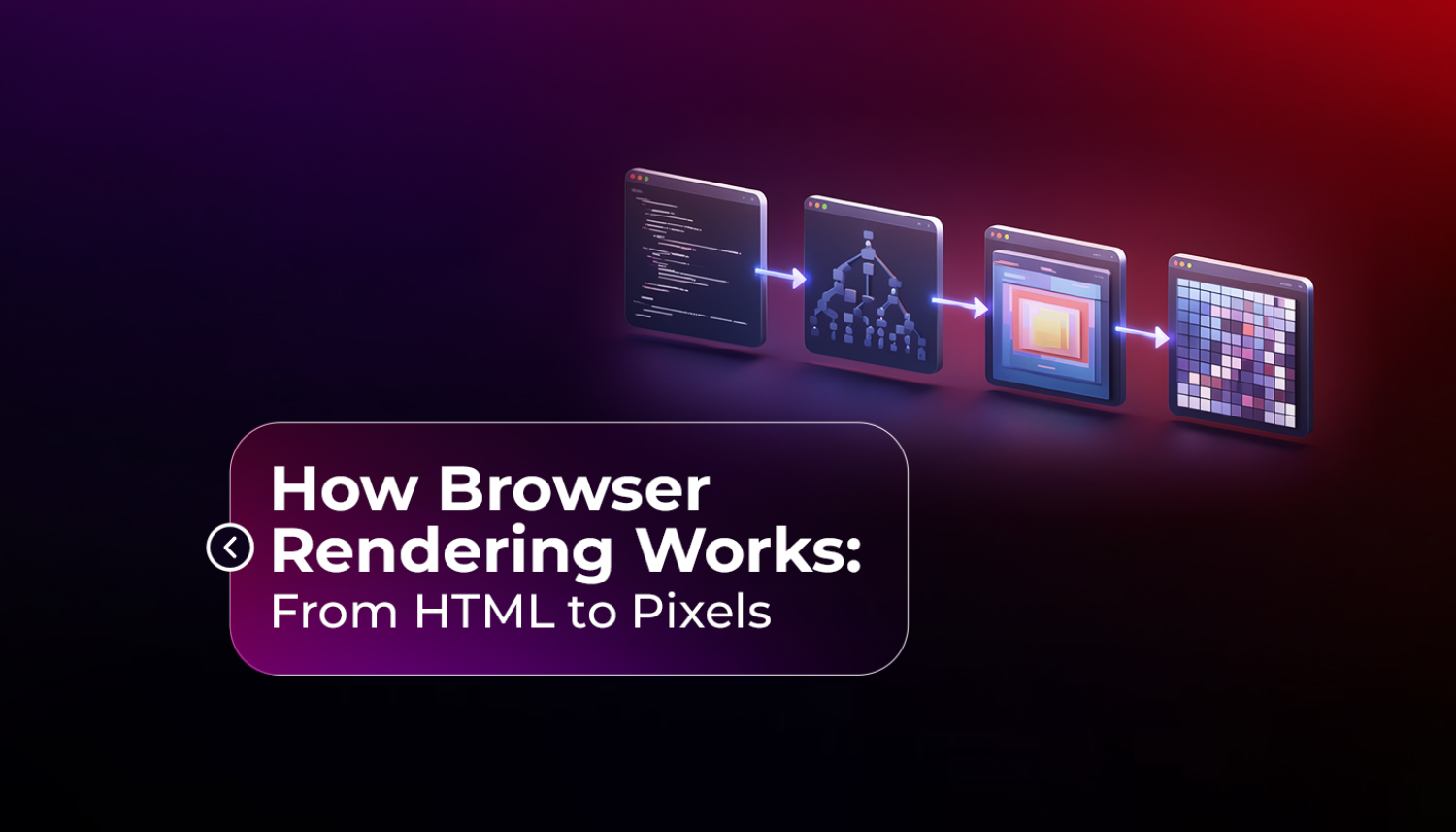
Browser rendering refers to the work a browser performs to render HTML, CSS, and JavaScript into a visual experience on the screen. The path a browser takes is called the critical rendering path. The browser will parse the HTML, apply the CSS, and build a render tree. It will also arrange the layout, make the visuals, and compound everything into the final image.
This article will help you do this step by step.
| The critical rendering path is the sequence a browser follows to render HTML, CSS, and JavaScript into images. Optimising the critical rendering path can enhance a website’s speed & performance. |
What does a browser actually do when it loads a page?
If you type in a URL in a browser, the browser will make a request to the server. The server then sends back an HTML file which contains only text. This text can’t be displayed directly as a webpage, and call it a day; there is more processing to do.
The process, known as rendering, involves several steps. The entire process only takes a few milliseconds.
Let’s take a look at the pipeline in detail.
| Step | Stage | What Happens |
| 1 | Parse HTML | The DOM tree is created in the browser by parsing the HTML |
| 2 | Parse CSS | Browser reads CSS and builds the CSSOM |
| 3 | Render Tree | DOM and CSSOM are combined into one structure |
| 4 | Layout | Browser determines the precise size and location of each element. |
| 5 | Paint | Visual properties are drawn (colours, borders, text) |
| 6 | Composite | Images are layered together to achieve the desired effect on screen. |
Step 1: Parsing HTML and building the DOM
As the browser reads HTML from top to bottom, it converts the markup into a DOM (Document Object Model) structure.
DOM is structured as a tree. HTML elements become nodes in that tree structure. When a <div> becomes a node, a <p> inside it becomes a child node. These relationships between elements are preserved as relations like parent, child, and sibling.
Before parsing, the browser doesn’t necessarily wait for full HTML to arrive; it builds the DOM as it progresses as bytes come in. That’s the reason why pages appear partially loaded sometimes.
DOM is essentially the working version of your page.
Step 2: Parsing CSS and building the CSSOM
The browser processes CSS while building the DOM. It builds a second structure called the CSSOM (CSS Object Model) after reading every stylesheet, inline style, and embedded style block.
CSSOM works similarly to the DOM. It’s also a tree that maps the CSS rules. It also handles inheritance, like when a child element inherits a property like font size from its parent.
The critical part of this is CSS render-blocking. All CSS will be downloaded and processed, but the browser will not start to show the page until all CSS has been downloaded and processed. If a large stylesheet is downloaded over a slow connection, it can slow down the entire page from loading.
That’s why developers minimise CSS files and load only what is necessary for the page they are developing.
Step 3: Building the Render Tree
When both the DOM and CSSOM are completed, the browser merges the two into a render tree.
Only elements that are visible will be rendered on the Render Tree. Elements that have display: none are completely omitted. Elements that have visibility: hidden are not included in the render tree but are treated as not being visible.
This difference is important for performance. Removing an element with display: none from the render tree also saves layout work. It is not removed from the tree when it is set to be invisible (visibility: hidden).
The whole picture of how the browser would look on screen and what styles should go to which pieces of the picture in the browser is called the render tree.
Step 4: Layout (also called Reflow)
Having a tree of elements with styles still isn’t enough. The browser has no idea what to do with anything as of yet. The layout stage makes that calculation.
The layout determines the precise location and dimensions of each page element. It takes into account the viewport width, flexbox or grid effects, box model settings (border, padding, and margin), and stacking or stacking order of the elements.
This is sometimes referred to as a “reflow” after the first render. Reflows are expensive. One can add it, its width can be changed, or the window can be resized. One of the main reasons for janky, stuttering pages is that your JavaScript causes the page to reflow a lot.
Step 5: Paint
When the layout is finished, the browser knows where to put what. It now pulls in the visual components.
The Paint step applies colors, adds text, draws borders, applies backgrounds, and provides shadowing. It processes the render tree from top to bottom, according to the z-index of the elements.
Paint operations are grouped together in layers. Some elements are wrapped in their own layer: Elements with transform applied, elements using opacity, Elements explicitly promoted with will-change. With CSS animations, you can update just a single layer at a time, which is the reason why you can have CSS animations work without triggering the entire page to repaint.
Step 6: Compositing
The last step is compositing. The browser is responsible for merging all of the painted layers into one picture.
This is done on the GPU (graphics card), which is a lot faster than the CPU at this type of work. Transitions and animations that are performed in the compositing step (e.g., those that involve transform and opacity) are performed smoothly on lower-performance devices.
Animations that cause a repaint or reflow every frame are much harder. The most popular instance is animating the width or top attribute of an element. This causes the layout and paint to occur on each frame, which is why it can cause lag to be seen. If that is the case, then it is possible to get the same visual effect without any performance hit by using transform: translateX().
What does this mean for how websites are built?
The rendering pipeline is a useful checklist for developers. Minimise and delay non-critical CSS. Don’t have big DOM trees that impede all aspects. Avoid animations with properties that cause a layout change. Load fonts efficiently so that the text doesn’t flicker in late.
It is a matter of simplicity for businesses: the way the website is built is directly correlated with the speed at which it loads, and this loading speed can impact the user experience and search rankings.
When building a website, a professional web design company in Dubai takes into consideration the rendering pipeline. That’s what it means to have good-looking, fast-loading websites. Not at the other’s cost.
One of the places where it becomes obvious to cut corners during development. A site that is visually impressive but has no performance discipline (no performance scores) does not perform well with Core Web Vitals, ranks poorly with Google, and leaves site visitors before they can engage.
How Inter Smart builds with performance from the start
Inter Smart is a UAE web design company that creates websites with technical performance as an integral part of the foundation and not an afterthought.
In all projects, the rendering pipeline is taken into account. The CSS is designed to be render-neutral as much as possible. JavaScript is optimised for loading. Images are resized & optimised for format and size. Animations are created using compositing-friendly properties. This results in good website performance on Google PageSpeed Insights and consistent performance across devices and network conditions.
In the highly competitive Dubai digital landscape, where SEO rankings and user experience are crucial for business results, this is a significant advantage for clients.
Speak with Inter Smart if you desire a high-performance website.
Key Takeaways
- The rendering process in the browser is static: HTML > DOM > CSSOM > Render Tree > Layout > Paint > Composite.
- CSS is render-blocking. The browser will not display the page until it has completed processing all of the CSS.
- That’s because the Render Tree has a few elements removed: display: none removes an element from the tree completely, and visibility: hidden leaves it in the tree.
- Expensive to create a layout (reflow). One of the most frequent reasons for janky, slow pages is the repeated triggering of it by JavaScript.
- Animations with the transform and opacity properties are GPU-based and are much more efficient than animating layout properties such as width or top.
- Google’s Core Web Vitals are performance metrics that gauge real-world rendering performance. Low scores can impact search results and user satisfaction.
- The way the site is coded determines how it will render. Good development practice is always accompanied by good performance.





Get A Call back from Our Expert
Need tailored guidance or have specific questions? Simply request a callback, and one of our knowledgeable experts will reach out to you at a time that suits your schedule.