Why Clean UI Design Improves Website Speed and Efficiency
- April 24, 2026
- Post By: Alex Mariyan Sebastian
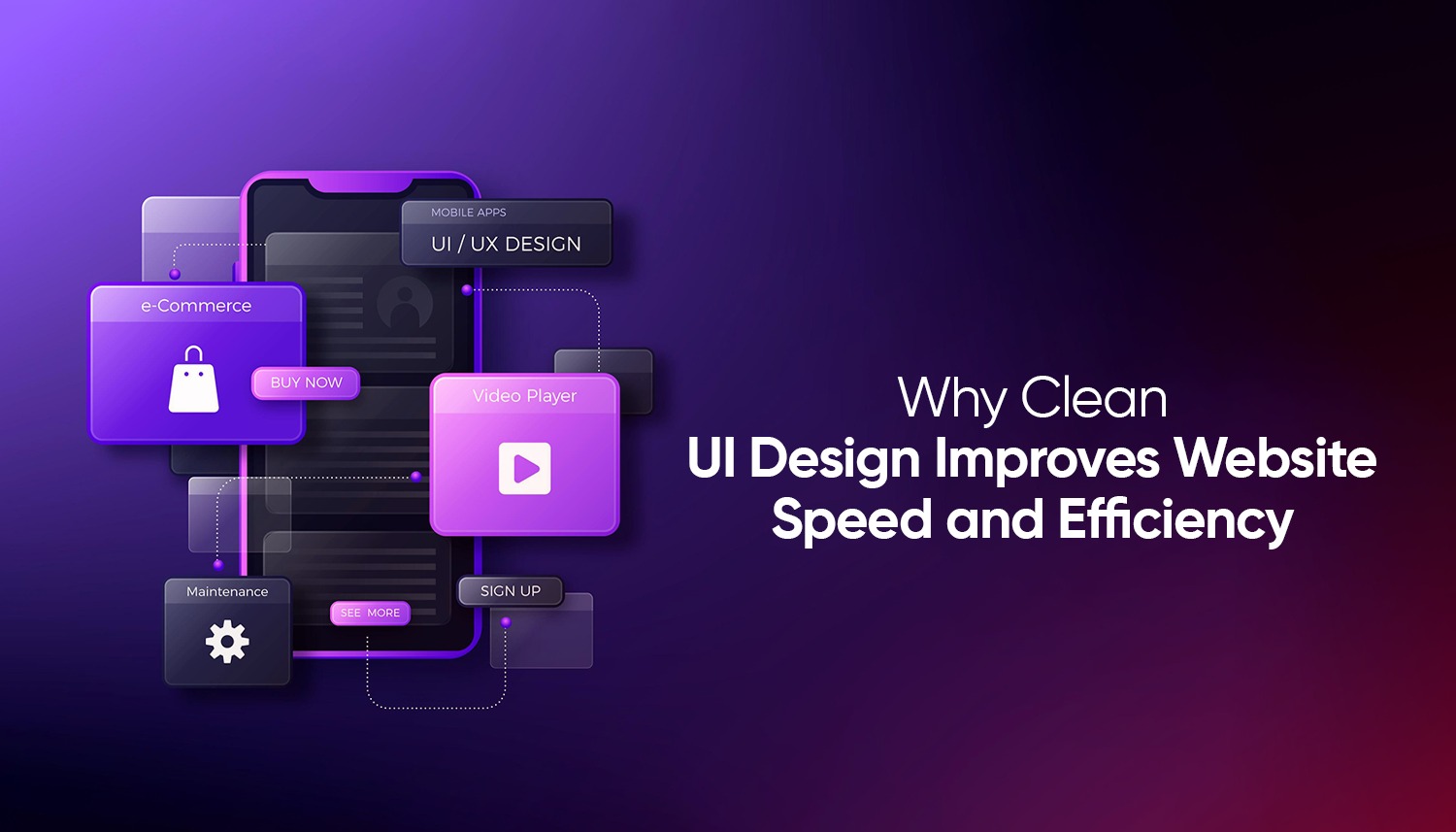
There’s a direct relationship between how clean a website’s interface is and how fast it loads.
Every single thing on a page, every picture, every line of script, every animation, every piece of ornamental code will be requested, downloaded and rendered by the browser. The more it is, the longer it takes. The slower it is, the more visitors will leave before even seeing what the site has to offer.
Clean UI architecture addresses that issue on the front-end. A well-designed interface allows minimising the weight of a page by making visual elements meaningful and code lean without taking anything away that really matters. The outcome is a site that loads faster, is much more pleasant to use, and ranks higher in search results. It is not a design movement. That’s just how websites work.
What does ‘clean UI’ mean?
A clean user interface, or clean UI, refers to creating a website where all visual components have a distinct functionality. It does not entail the least or get reduced to the extent of being naked. It is the absence of superfluous elements, ornamental rubbish that serves no purpose and contributes no value, and code in the background which is not actually required on the page.
Practically clean UI is likely to imply regular typography and a few font weights, a restricted colour palette, large white space, simple and rational navigation, and web-appropriately sized and compressed images. What it does not have is the reverse of these: several fonts on a page that are conflicting, heavyweight animation that adds no value to the site, full-resolution pictures, imported scripts that the site hardly uses, and layouts that are so full of stuff that the browser is straining to render the page.
Hostinger‘s survey reveals that 84.6% of users actively prefer a clean design over a crowded one. That is not merely a taste. It represents the human way of perceiving information on the screen: data that is clearly displayed with a visual breathing space is easier to read, easier to navigate, and easier to act upon.
Why does UI design directly affect page load speed?
Because design decisions are also technical decisions. When a designer adds an element to a page, it has weight. It has a file size. It generates HTTP requests. It requires rendering time on the browser. Clean design reduces all of those demands at once.
The homepage hero image needs to display at full print resolution because it maintains complete file weight regardless of its actual displayed size. The browser downloads more data than it ever uses. A page needs to load slowly because design decisions were made without considering performance, which causes the problem, and because ten to twenty images create multiple visual elements that need to be displayed on the page.
The same logic applies to fonts, scripts and animations. The network makes a new request each time a font weight is added to the system. The page requires additional time to render because every third-party script needs to be loaded for a minor feature. User devices need to use more processing power for heavy animations that JavaScript builds compared to animations that CSS creates, especially on mobile devices.
The study, which DesignRush used as evidence, shows that websites which load within one second achieve three times better conversion rates than websites which take five seconds to load. The average conversion rate drops by 7% when a webpage takes one second more time to load. The numbers in this study represent actual visitors who abandoned their visit after the website required more time to load its content.
How does page speed connect to Google rankings?
The connection exists as a direct link. Google established page speed as an official ranking element for desktop websites in 2010 and for mobile websites in 2018. Google selected Core Web Vitals as its standard because the company needed particular metrics to assess page load speed, visual stability and user interaction time.
The metrics function as part of Google’s page experience signals, which determine a website’s ranking position in search engine results.
Fewer heavy elements mean LCP improves because the dominant content loads faster. Fewer dynamic elements loading asynchronously means CLS improves because the layout doesn’t shift around as the page comes together. Lean JavaScript and fewer blocking scripts mean INP improves because the page responds to clicks and taps without delay. A clean interface isn’t just a design choice that happens to have performance side effects. Performance is baked into the design decisions themselves.
Only 47% of websites currently meet Google’s Core Web Vitals thresholds, according to data compiled by Loopex Digital. That’s a significant competitive gap. Sites that do meet those thresholds rank better, load faster and retain more visitors than the majority of competing sites.
What specific UI elements slow websites down the most?
Understanding where the weight comes from makes it easier to understand why clean design is so effective at solving it.
Unoptimised images
Images are the greatest contributors to page weight. A full-resolution photo as a background, an uncompressed PNG when a JPEG would be, or an image loaded three times its displayed size are all additional loads that are not necessary. Technical improvements with the greatest impact include proper compression of images, use of the right format, and responsive sizing, which are, in fact, design choices.
Excessive JavaScript
Scripts prevent the browser from rendering the page until it has loaded and completed its execution. Sites that have JavaScript libraries serving features that do not increase much value or have several analytics and tracking solutions running at the same time cost the performance of the site on each page load. A clean UI design implies adding features that are useful to the user only, which, of course, makes JavaScript lean.
Too many custom fonts
Each custom font file is a network request. The twelve font-related requests are being made before the page appears and the text is visible, through the use of a design with four font families, each of three weights. A clean typographic system is generally one or two font families with no more than two or three weights and loads more quickly and, therefore, tends to appear more refined.
Unnecessary animations and effects
Scroll-triggered effects, parallax, hover effects, and auto-playing video backgrounds require significant processing power. The effect is minor on high-end desktop connections. These effects can render a page slow and unreceptive to mobile devices on most common networks. A clean UI design employs animation in a purposeful manner, where it is actually useful to the user and not just ornamental.
Cluttered layout structure
Pages with complex nested structures, excessive use of overlapping elements, or grid systems that require heavy CSS to render correctly create rendering overhead that simpler layouts don’t. Clean layouts with logical structure render more quickly and are also significantly easier to maintain and update over time.
Does clean UI design also improve how users behave on the site?
Yes, and significantly. Speed gets visitors to the page. Clean design keeps them there and guides them toward action.
Research compiled by Loopex Digital found that cluttered designs see bounce rates around 50% higher than clean, minimal layouts. Minimal, content-first layouts increase average viewing time by roughly 59%. Simplified navigation can reduce bounce rates by up to 40%. These are substantial differences in user behaviour, driven entirely by design decisions.
The reason is cognitive load. When a page is cluttered, the user’s brain has to work to identify what matters. When a page is clean, the visual hierarchy does that work automatically. The user’s attention is guided to the headline, then the key information, then the call to action, without friction. That’s not an accident. It’s the result of intentional design.
According to Google’s research on UX and page experience, users who have a poor experience on a website are significantly less likely to return, and they associate that negative experience with the brand, not just the website. The design of a site is the brand for the majority of online visitors. A slow, cluttered interface communicates carelessness. A fast, clean one communicates professionalism.
How Inter Smart approaches clean UI design for performance
Inter Smart is a trusted web design company in UAE with a strong track record in web design and development built specifically for performance. The approach at Inter Smart treats design and speed as the same problem, not separate ones.
Every project starts with performance targets, not just aesthetic goals. What Core Web Vitals scores does this site need to achieve? What is the expected load time for mobile devices? What is the homepage conversion target? The questions determine design choices, which include image formats, font selections, layout options and animation implementation.
The result is websites that load fast, rank better and convert more effectively, without appearing stripped down or compromised. Clean design done well doesn’t look like a budget site. It looks like a confident one.
If your current website is slow, cluttered or underperforming in search, the problem is almost always fixable at the design level.
Get in touch with Inter Smart, and we’ll show you exactly what’s holding your site back and what a cleaner, faster version could look like.


Get A Call back from Our Expert
Need tailored guidance or have specific questions? Simply request a callback, and one of our knowledgeable experts will reach out to you at a time that suits your schedule.