How CSS Custom Properties Improve Design System Scalability
- October 16, 2026
- Post By: Alex Mariyan Sebastian
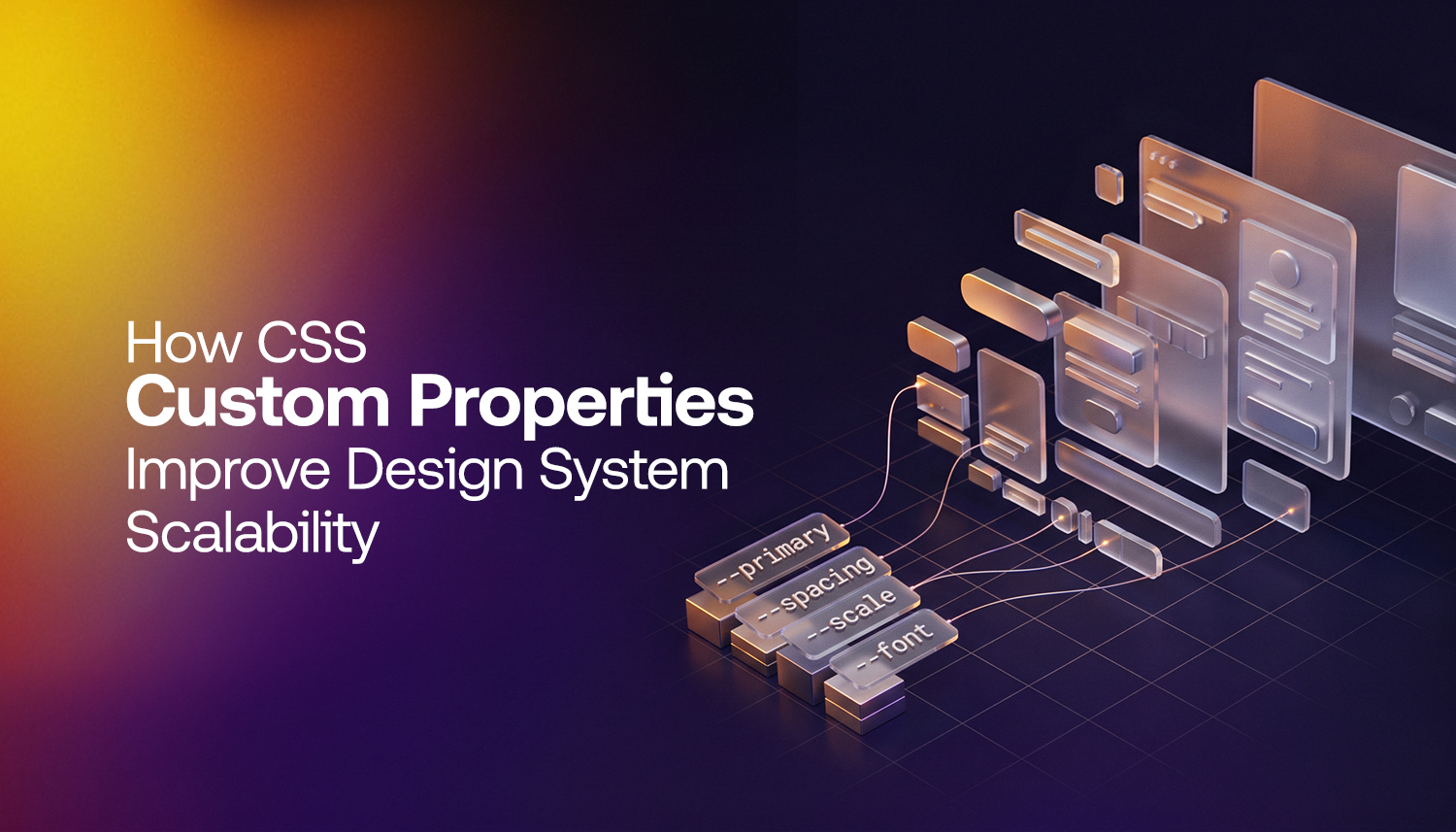
Custom properties for CSS make design systems more manageable and scalable.
Values such as colours, spacing, font sizes can be stored together and can be easily modified to your satisfaction.
This is a very simple process that has a much greater impact than we realise. Used properly, the variables in CSS custom properties can be changed to rebrand or repurpose an entire site almost instantly.
This article describes what custom CSS properties are and how they can be used in a design system. How to make this process easier and how to use them in a modern workflow will also be covered.
| What are CSS custom properties? Custom properties in CSS (or variables) are prefixed with a double dash and used in the stylesheet with the var() function.
E.g., (–colour-primary: #0a3d62) |
What is a design system and why does scalability matter?
A design system is a set of standards for managing design at scale. It reduces redundancy and creates a common language and visual consistency across channels. 1 dev to all, 1-to-1 change propagation.
It is not easy to use convenient or hard-coded values. The hard-coded values have to be changed separately. This is a ponderous, rather tiring process.
CSS custom properties make it easier since you only have to define a value once and can apply it anywhere.
How do CSS custom properties work?
You declare a custom property on a selector, usually the :root element, so it’s available globally. Then you call it anywhere with var().
:root {
–colour-primary: #0a3d62;
–colour-accent: #e74c3c;
–space-md: 1.5rem;
–font-size-base: 1rem;
}
.button {
background-color: var(–colour-primary);
padding: var(–space-md);
font-size: var(–font-size-base);
}
If –colour-primary changes, the button updates automatically. So does any other element referencing the same variable.
Custom properties also cascade. A value set on :root applies everywhere. A value set on a specific component only applies within it. That scope control is genuinely useful in large codebases.
How do CSS custom properties differ from Sass variables?
This is a fair question. Sass variables are widely used and most developers already know them. Here’s the core difference.
The evaluation of Sass variables takes place at compile time. The variable will not be visible if the browser doesn’t display CSS. That is, they are not allowed to modify themselves when the page loads.
The evaluation of the custom properties is dynamic inside the browser in CSS. They can be updated dynamically with JavaScript and updated in media queries.
| Feature | CSS Custom Properties | Sass/LESS Variables |
| Runs in browser | Yes, resolved at runtime | No, compiled at build time |
| Can be changed with JS | Yes, with setProperty() | No |
| Responds to media queries | Yes, natively | No |
| Theming / dark mode | Simple, update one value | Requires full recompile |
| Browser support | All modern browsers | Requires a build tool |
In practice, many teams use both. Sass handles build-time logic, loops, and mixins. CSS custom properties handle the dynamic, themeable values that need to live in the browser.
What does this look like in a real design system?
A scalable design system built with CSS custom properties typically organises its tokens in tiers.
Tier 1: Global tokens
These are raw values. They don’t describe intent, just the value itself.
:root {
–blue-600: #0a3d62;
–red-500: #e74c3c;
–space-4: 1rem;
–space-6: 1.5rem;
}
Tier 2: Semantic tokens
These describe intent. They reference the global tokens but give them meaning.
:root {
–colour-brand: var(–blue-600);
–colour-danger: var(–red-500);
–spacing-component: var(–space-4);
–spacing-section: var(–space-6);
}
Tier 3: Component tokens
These are scoped to individual components. They reference semantic tokens and can be overridden at the component level.
.card {
–card-padding: var(–spacing-component);
–card-border: 1px solid var(–colour-brand);
padding: var(–card-padding);
border: var(–card-border);
}
This 3-tier structure makes the system easy to scale, and changing the global token will update the semantic token that references it. It will also update every component using that semantic token. This one change applies consistent results across the codebase.
How do CSS custom properties handle dark mode and theming?
Dark mode is a clear example of how and where CSS custom properties work so much better.
Without writing entirely separate stylesheets for both dark and light themes, you just redefine the custom properties based on the system. There’s no change happening to the components.
:root {
–bg-surface: #ffffff;
–text-primary: #1a1a1a;
}
@media (prefers-color-scheme: dark) {
:root {
–bg-surface: #1e1e2e;
–text-primary: #e0e0e0;
}
}
body {
background-color: var(–bg-surface);
color: var(–text-primary);
}
The MDN Web Docs on CSS custom properties cover this pattern in detail. Browser support for CSS custom properties is now complete across all modern browsers.
Can JavaScript interact with CSS custom properties?
Yes, and this is one of their strongest features.
You can read and update CSS custom properties with JavaScript at runtime, without touching the stylesheet. This makes dynamic theming straightforward.
// Read a custom property
const root = document.documentElement;
const primary = getComputedStyle(root)
.getPropertyValue(‘–colour-primary’);
// Update a custom property
root.style.setProperty(‘–colour-primary’, ‘#2ecc71’);
This is how runtime theme switchers work. A user clicks a button. JavaScript swaps a few custom property values on the root element. The whole page re-paints using the new theme.
This is especially suitable for applications that require personalisation by the user.
What should you avoid when using CSS custom properties?
Some common mistakes to avoid are listed.
- This makes interpreting the stylesheet difficult when there are too many global tokens but none to display them. From the beginning, adopt the same naming conventions as –[category]-[modifier].
- No fallbacks if not certain of browser context. The default value for the var() function is var(–color-primary, #0a3d62).
- Using too many tokens for components with values that should be kept global. If you use 15 different components and assign 15 different values to the same spacing, you don’t have a single source of truth.
- Don’t forget that custom properties are case-sensitive; –ColourPrimary is different from –colourprimary.
CSS custom properties are native to the browser. No build step is needed, and no additional file has to be loaded. It is small but real; it is a performance boost over preprocessor-only approaches.
More significantly, they are used to minimise code duplication. When a token system is well structured, there is less duplication of declarations, smaller stylesheets, and less cognitive overhead for developers maintaining the code.
The cascade and inheritance model of custom properties is covered by Google’s web.dev platform. It’s important to know what it does, so you can use it better.
How Inter Smart builds scalable front-ends for clients in Dubai and the UAE
Inter Smart is a web design company in Dubai with a development team that builds front-ends built to last.
Custom properties are a fundamental aspect of CSS on all projects. Colour systems, spacing scales, typography tokens, component-level overrides: everything is organised in such a way that future changes are quick and consistent and not painful.
That matters practically. A client should not be forced to “sprint the development” if they want to change their brand colour after launching their website, or implement a dark mode or expand their product into a new market. Those changes can be contained and predictable with a well-structured token system.
Inter Smart, a UAE web design company, has seen this type of bottom-up approach produce dividends throughout a project’s life cycle by working with clients of all industries and scales. Clean systems are simpler to give to the next person, to maintain, and to expand.
If you have a large amount of code that has a design that is slow to change or inconsistent, this is something to consider. Talk to Inter Smart.
Key Takeaways
- CSS custom properties are native browser variables declared with –name and used with var(). They don’t require a build tool.
- They’re resolved at runtime, meaning they can change with JavaScript or media queries. Sass variables can’t do that.
- A three-tier token structure (global, semantic, component) is the most scalable way to organise a design system.
- Dark mode and multi-brand theming become simple when themes are defined as custom property overrides.
- JavaScript can read and update custom properties live, enabling runtime theme switching without page reloads.
- Browser support is over 96% globally. There’s no reason to avoid them in production.
- Consistent naming conventions and a clear token hierarchy prevent the system from becoming harder to manage as it grows.



Get A Call back from Our Expert
Need tailored guidance or have specific questions? Simply request a callback, and one of our knowledgeable experts will reach out to you at a time that suits your schedule.